Council Digital Signage vs Wayfinding Kiosks: What's the Difference?
Council digital signage or a wayfinding kiosk? What each does, and why councils now want both.

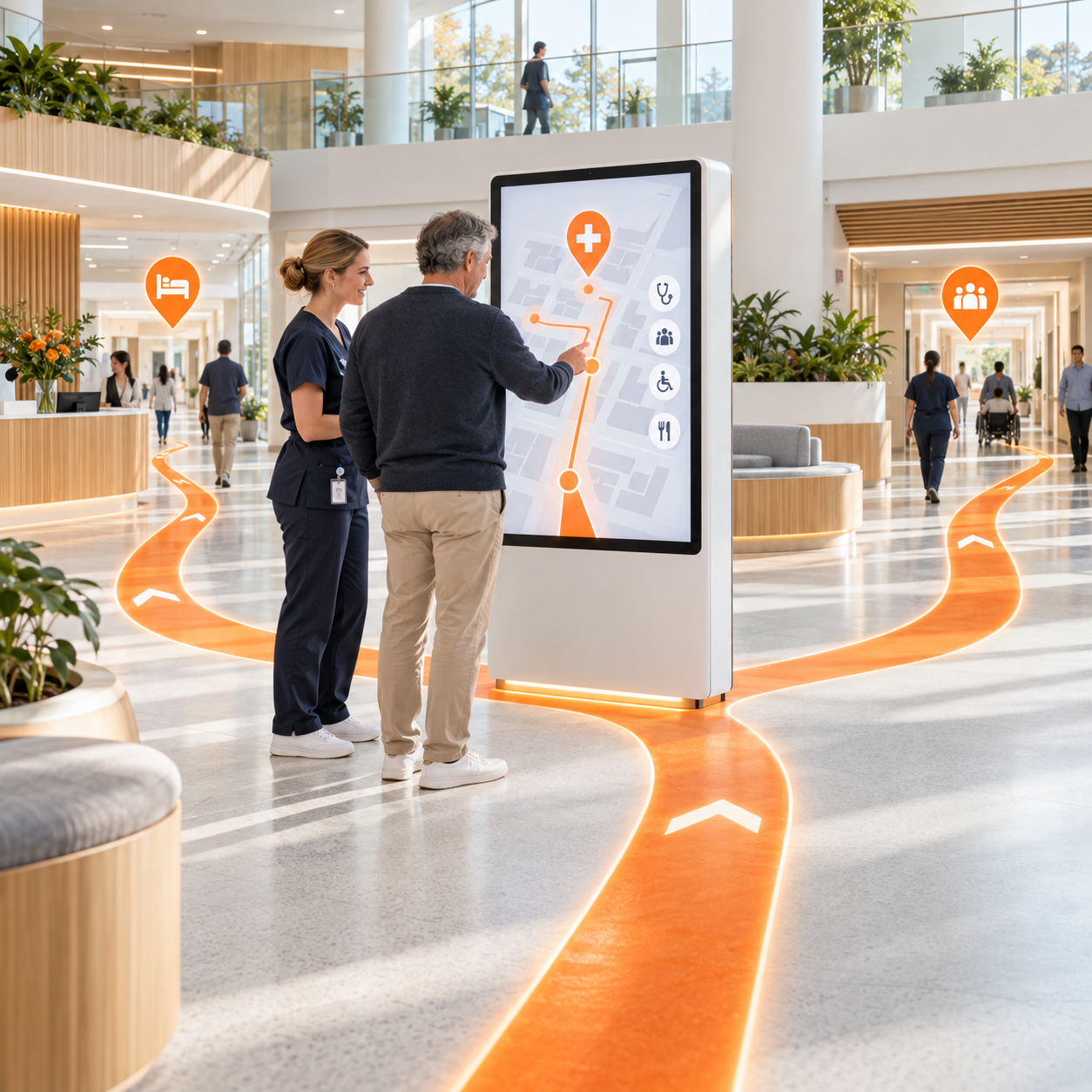
Most council digital signage does one job. It shows a message. A wayfinding kiosk does that, then answers the next question: "where is it, and how do I get there?"
If you're planning screens for a town centre, civic precinct or council building, this is the choice that decides what you get for the money.
What council digital signage does
Standard digital signage is one-way. A screen plays a loop of content managed from a CMS:
- Council news and notices
- Events and community programs
- Emergency and safety messages
- Advertising or sponsor content
It's good at reach. It's poor at action. A visitor sees "Markets on Saturday at the Civic Centre" and still has no idea where the Civic Centre is.
What a wayfinding kiosk does
A wayfinding kiosk is interactive. The visitor touches the screen and gets something back:
- A map of the precinct with "you are here"
- Search by business, service or category (food, retail, banking, medical, toilets, parking)
- A route to the destination, which continues on the visitor's phone by scanning a QR code. No app.
- Business listings with hours, contact details and photos
- What's on today and coming up, each with "view on map"
- Larger text and a choice of languages
When nobody is using it, the same screen runs an attract loop and banner content, so it still works as digital signage.
The difference in one line
Digital signage tells people something. A wayfinding kiosk tells people something and then gets them there.
Why councils are choosing both in one screen
Two screens cost twice as much floor space, power and maintenance. One kiosk that does both is the simpler buy:
- One unit, one CMS. Council staff update maps, events, notices and banners from one login.
- Local business support. Every listing sends visitors to a shop, not just past it.
- Revenue. Banner advertising and retailer offers can run on a revenue-share model, so the screen returns money to council.
- Accessibility and inclusion. Larger text, multiple languages and step-free routes serve more of the community than a looping screen can.
- Outdoor-ready. Kiosks built for civic streetscapes and constant public use.
Example: The Mall, City of Darwin
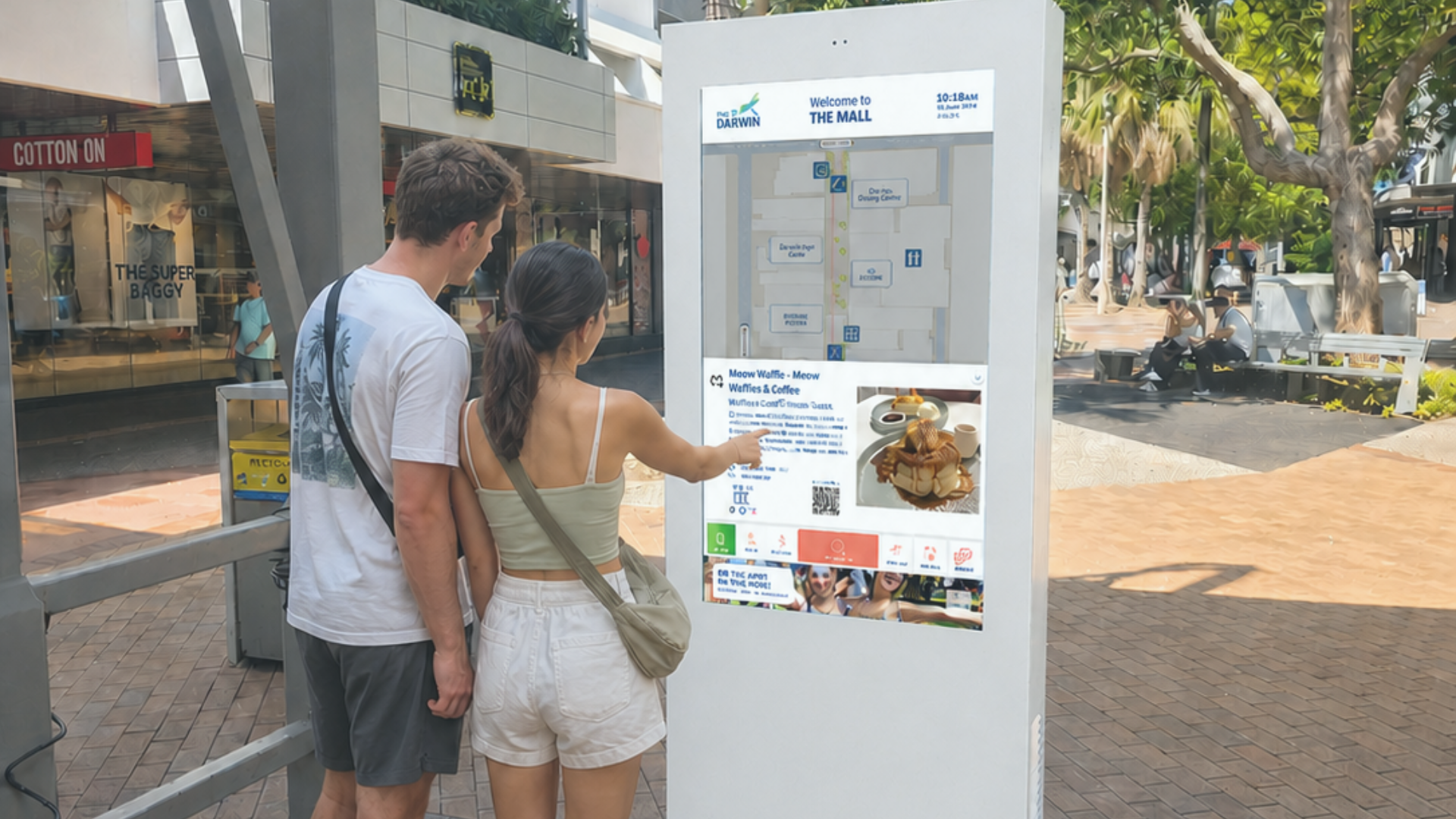
City of Darwin's kiosk in the Smith Street Mall shows how one screen covers both jobs:
- Map and search. Visitors search by business or category and see the route on a map of The Mall and the surrounding city.
- Business listings. Each listing has a photo, description, hours, contact details and a QR code that opens it on the visitor's phone.
- What's on. Events happening today and coming up, each linked to the map.
- About Darwin. Council and city information, including the Civic Centre's hours and contacts.
- Banner space. Council campaigns, like the e-newsletter sign-up, run across the bottom of every screen.
- Languages and larger text. Visitors can switch language and enlarge text from the home screen.
The part most councils forget: getting businesses listed
A wayfinding kiosk is only useful if the businesses are on it. For City of Darwin, Envent also runs tenant onboarding:
- Businesses scan a QR code on a flyer or visit a web page, and fill in a 5-minute form (photo, logo, short description, hours, contacts, socials).
- Envent and council review each listing.
- The listing goes live on the kiosk and mobile map, usually within 48 hours of approval. Listing is free to the business.
That takes the admin off council staff and gets the map full faster.
Questions to ask before you buy
- Will the screen only broadcast, or will people be able to search and get directions?
- Who updates the map when a business opens, moves or closes?
- Does the route continue on the visitor's phone, without an app?
- Can it run council campaigns and paid advertising on the same screen?
- Who gets local businesses listed, and who checks their details?
- Is the hardware built for outdoor, all-day public use?
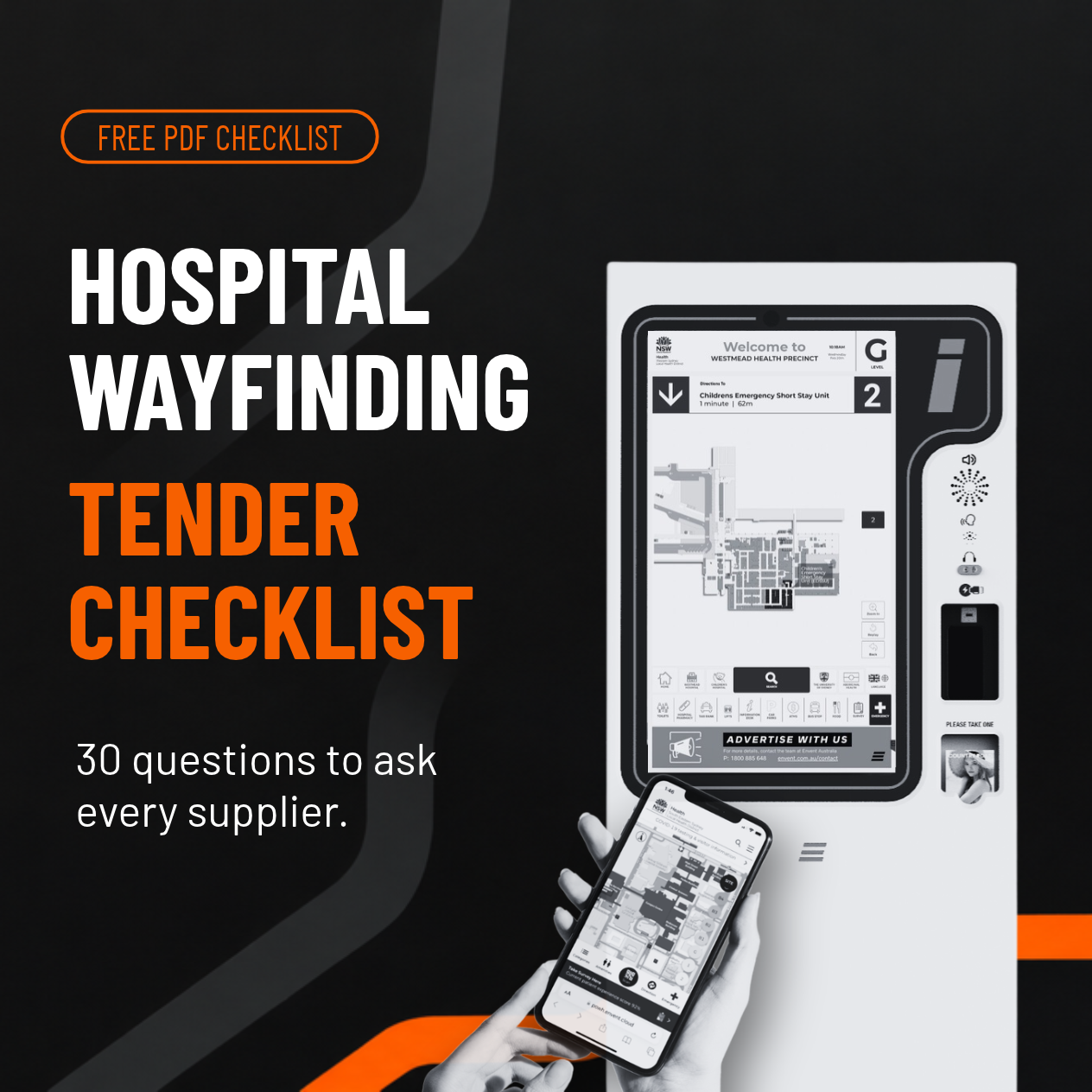
If you're writing a brief, our hospital wayfinding tender checklist has 30 supplier questions, most of which apply to council projects too.
See how Envent works with councils or book a 30-minute call with Justin Dean.
Frequently asked questions
- What is council digital signage?
Screens in public spaces that councils use to share news, events, notices, emergency messages and advertising, managed from a content management system.
- What's the difference between digital signage and a wayfinding kiosk?
Digital signage shows content one way. A wayfinding kiosk is interactive: visitors search for a place, see it on a map and get directions, which can continue on their phone. Many kiosks also run signage content when idle.
- Can a council wayfinding kiosk earn revenue? -
Yes. Banner advertising and retailer offers can run on a revenue-share model, so the kiosk returns money to council while promoting local businesses.
- How do local businesses get listed on a council kiosk?
With Envent, businesses fill in a short online form. Envent and council review the details, and the listing goes live on the kiosk and mobile map, usually within 48 hours of approval.